Apply to the Drawing Desk Creator Program
- Step 1: Account Details (current step)
- Step 2: Personal Info
- Step 3: Social Profiles
Video guidelines are always available below whenever you need them.
Make every frame count.
A strong process video feels effortless to watch. Keep these practical guidelines nearby while you create.

Recording setup
Use a stable phone mount or tripod and record in vertical orientation.

Lighting
Choose soft, even light. Keep hands and artwork visible without strong shadows.

Framing
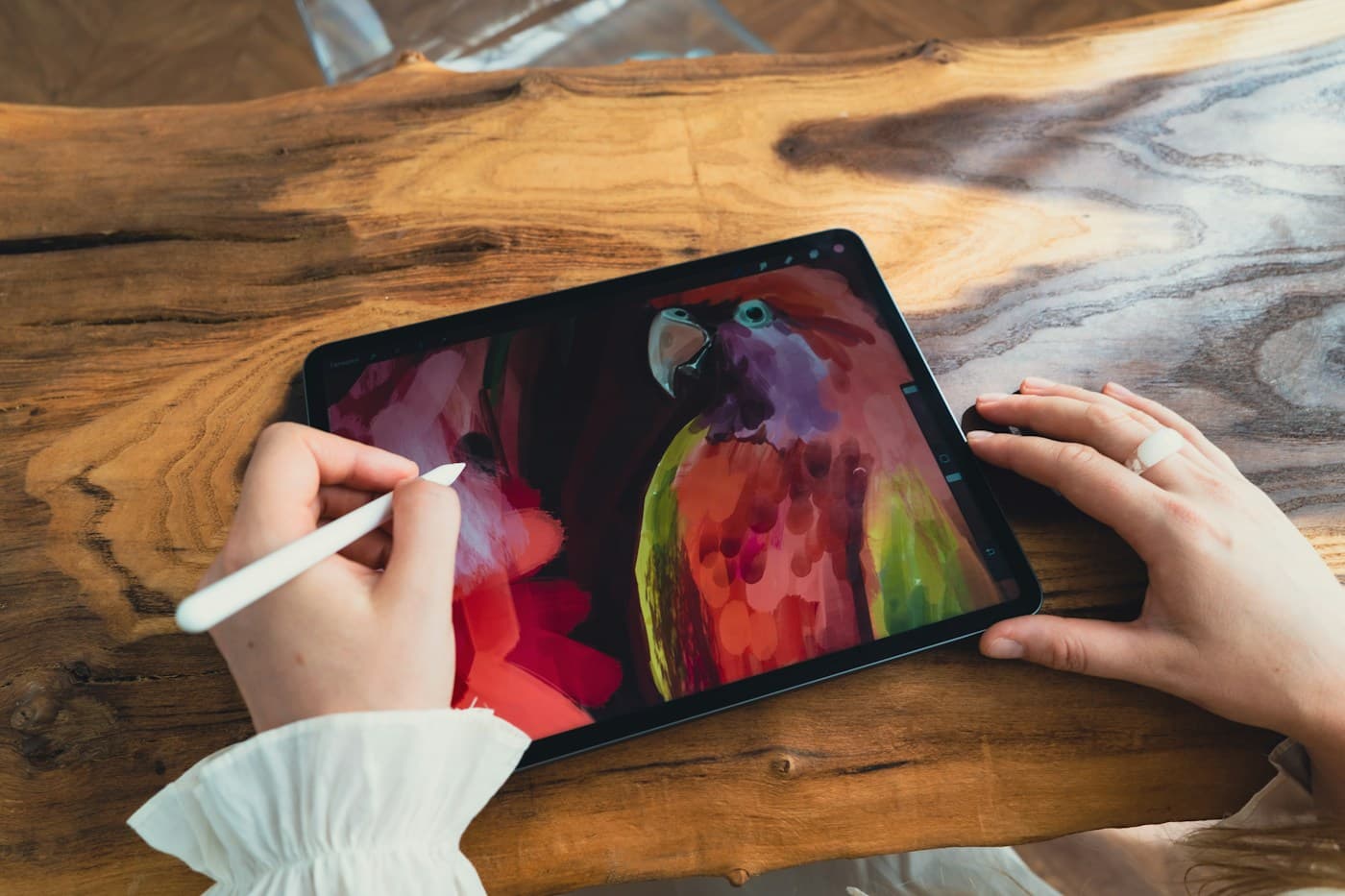
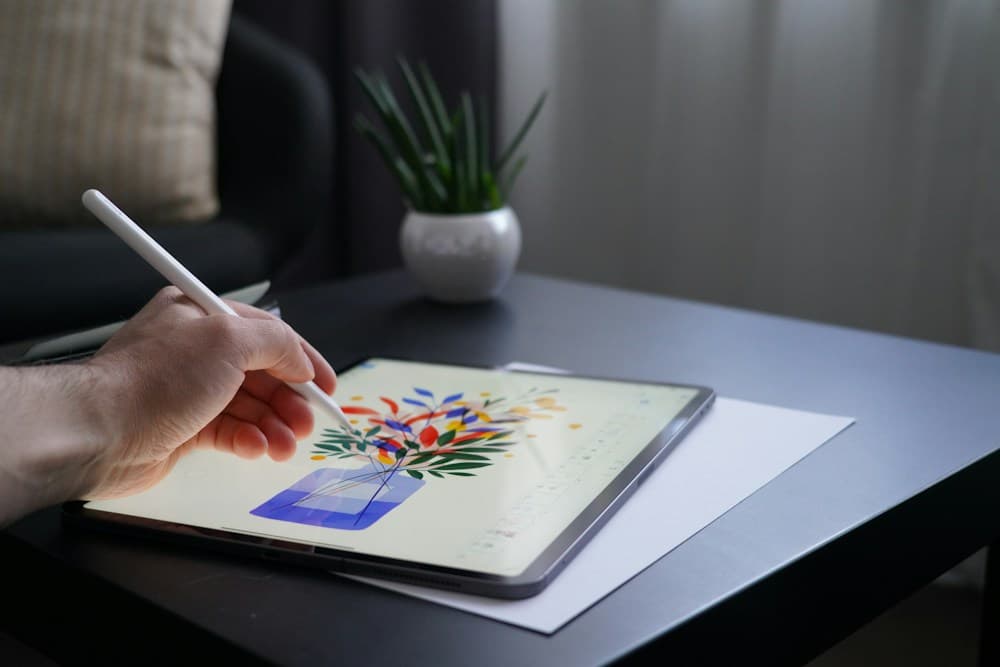
Fill the frame with the drawing area and keep distracting objects out of view.

Editing
Trim pauses, keep the pace engaging, and let the drawing transformation lead.

Captions & publishing
Add readable on-screen context, then publish the finished video as a public post on your preferred platform.

Quality
Review focus, brightness, smooth playback, and a clean final export.
A simple story for a
satisfying video.
Hook
StartOpen with the final art or an intriguing first mark.
Process
MiddleShow the transformation with purposeful, well-paced edits.
Reveal
EndFinish on a clean, steady view of the completed artwork.